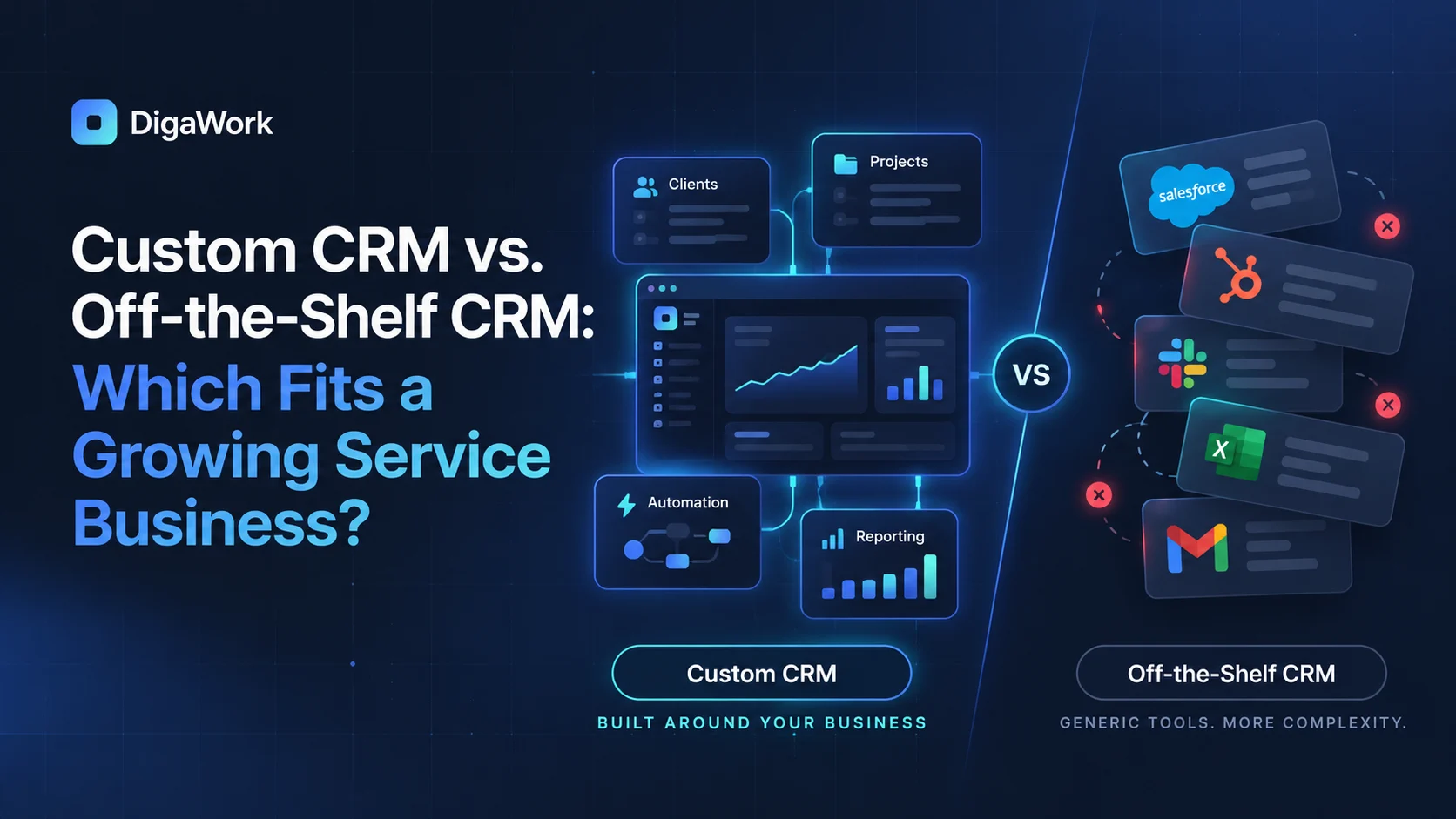
Choosing a CRM is not really a contest between custom software and popular platforms. It is a question of fit.
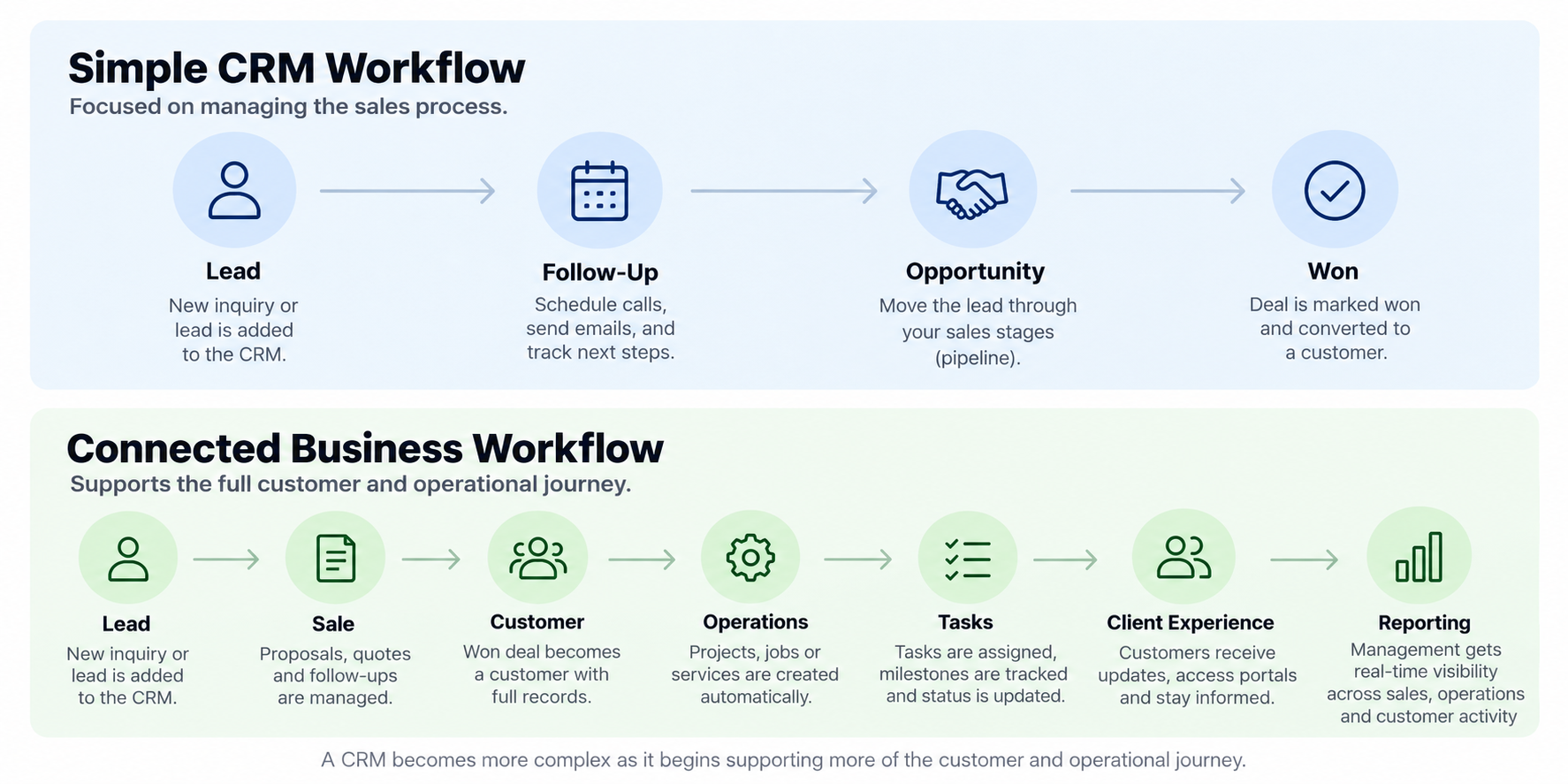
A packaged CRM can be the right answer when your sales process is standard, your team can work comfortably inside the platform, and the system does not need to coordinate much beyond sales. A custom CRM becomes more relevant when the customer record has to connect to operations, scheduling, projects, service delivery, or other workflows that make your business different.
Start with the workflow, not the feature list
Most CRM comparisons start with features: pipelines, email, dashboards, automation, reporting. Those matter, but they do not answer the most important question: can the system represent how work actually moves through your company?
Map the process from first inquiry to completed service. If the CRM only fits the first third of that journey, your team may still spend most of its time moving data between tools.
When off-the-shelf CRM is the better choice
Off-the-shelf platforms are often the fastest and lowest-risk option for businesses with familiar sales motions. They give you mature contact management, deal pipelines, tasks, email history, standard reports, and an established ecosystem without requiring a custom build.
If the business can adapt its process to the platform without creating painful workarounds, there is no strategic reason to build software simply because custom sounds more advanced.
When custom CRM starts to make sense
A custom CRM becomes more compelling when your team is maintaining the same customer in several systems, creating duplicate records, using spreadsheets to fill gaps, or relying on people to remember handoffs that should happen automatically.
The advantage is not unlimited customization for its own sake. The advantage is being able to model the records, roles, permissions, statuses, and automations that your actual workflow requires.
| Factor | Off-the-Shelf CRM | Custom CRM |
|---|---|---|
| Launch speed | Usually faster | Requires design and build time |
| Upfront cost | Usually lower | Usually higher |
| Workflow fit | Best for common processes | Built around a specific process |
| Integrations | Limited by available connectors and APIs | Designed around required connections where feasible |
| Operations after the sale | Often handled elsewhere | Can connect sales to downstream work |
| Change control | Depends on vendor roadmap | Can evolve with business priorities |
Do not overlook the hybrid option
Many businesses do not need to replace everything. A useful accounting, payment, email, or scheduling platform may remain exactly where it is. The better answer may be a custom customer and operations layer that connects those systems and gives the team one clear workflow.
That is why the decision is better framed as keep, connect, automate, replace, or build rather than simply custom versus SaaS.
Questions to ask before choosing
Ask where the source of truth lives today, which information gets re-entered, what happens after a deal is won, which reports are difficult to produce, and where employees leave the CRM to finish their work. Those answers expose whether you have a CRM problem, an operations problem, or a disconnected-system problem.
Need help deciding whether to keep, connect, or replace your current CRM?
See how DigaWork approaches CRM around the workflow rather than a fixed feature package.