The moment a deal is won should not be the moment the customer disappears into a different system.
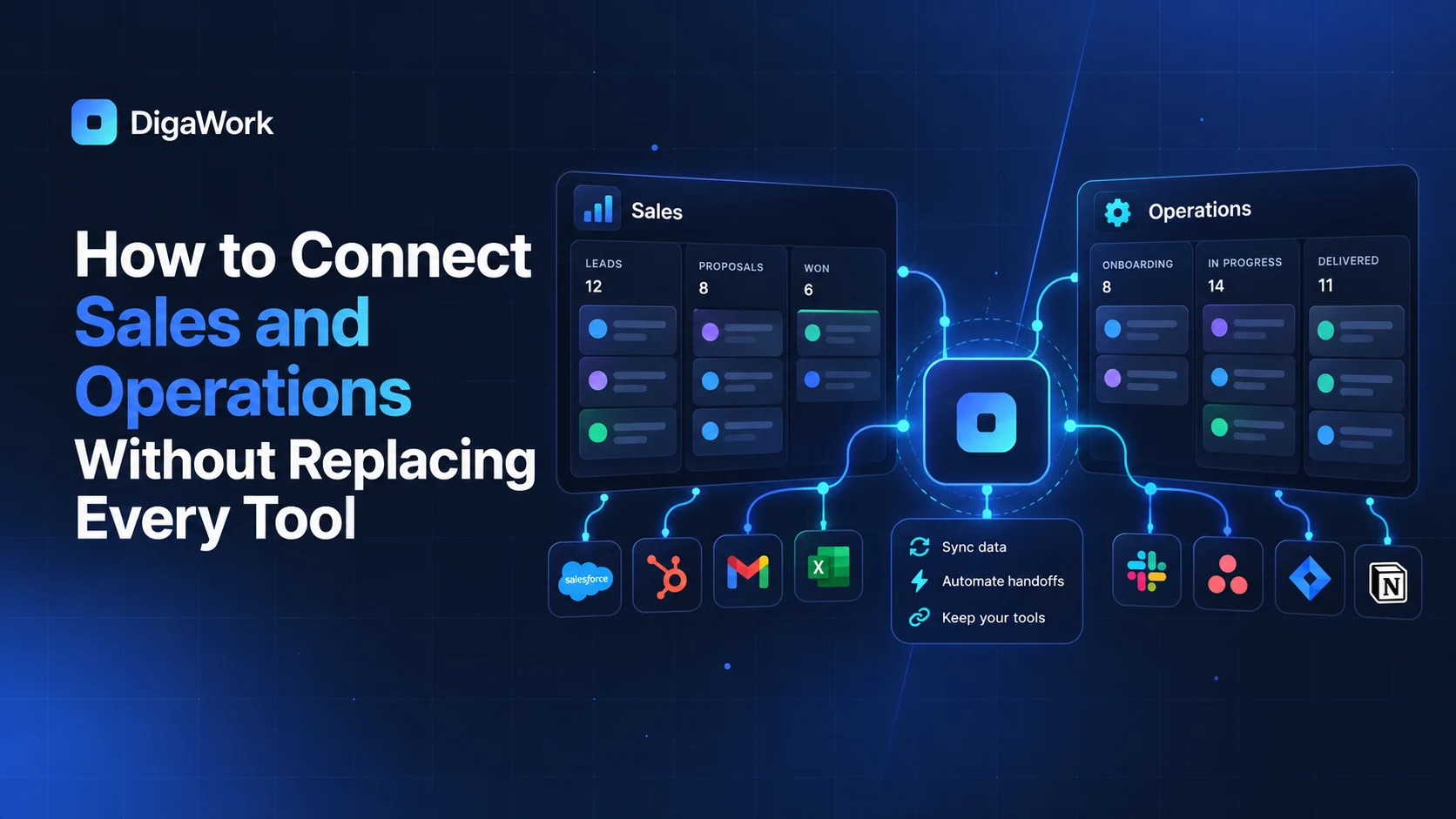
For many service businesses, sales has the relationship history while operations has the delivery workflow. The handoff between them is where duplicate entry, missing context, and customer frustration begin.
The handoff problem usually looks familiar
Sales captures the customer's needs, pricing assumptions, dates, locations, contacts, and special requests. Then operations creates a new project, job, event, or service record and asks for much of the same information again.
That duplication is not just inefficient. It creates two versions of the customer story.
Create one shared customer identity
The system does not have to put every department on the same screen. It does need a reliable relationship between the sales record and the operational record so information can flow forward without losing context.
Use the won stage as an operational trigger
A confirmed sale can create the next workspace, assign the operational owner, generate a checklist, carry forward the customer details, and preserve the source opportunity. The team starts delivery with context instead of a blank record.
Keep specialized tools when they still add value
Accounting software, payment systems, calendars, and specialized platforms may remain in place. The goal is to eliminate unnecessary re-entry and ambiguous ownership, not to rebuild useful software.
Decide which system owns each kind of data
A connected stack works better when ownership is explicit. The CRM may own lead and customer workflow. Accounting may own financial records. A calendar may own availability. The custom layer can reference and synchronize information without pretending every system is the source of truth for everything.
| Information | Likely owner | Shared with |
|---|---|---|
| Lead source and sales stage | CRM | Management, operations when relevant |
| Customer delivery status | Operations workspace | Sales, client portal, management |
| Invoices and accounting | Accounting platform | CRM/operations as visibility permits |
| Appointments and availability | Calendar/scheduling system | CRM and operations |
| Customer-facing updates | Portal/communication layer | Operations and customer |
What a connected handoff changes
Sales can see what happened after the deal. Operations can see what the customer was promised. Management can understand the full journey instead of stitching together reports from separate teams. Customers spend less time repeating information.
Want the customer record to survive the handoff from sales to delivery?
See how DigaWork approaches the workflow between selling and delivering.