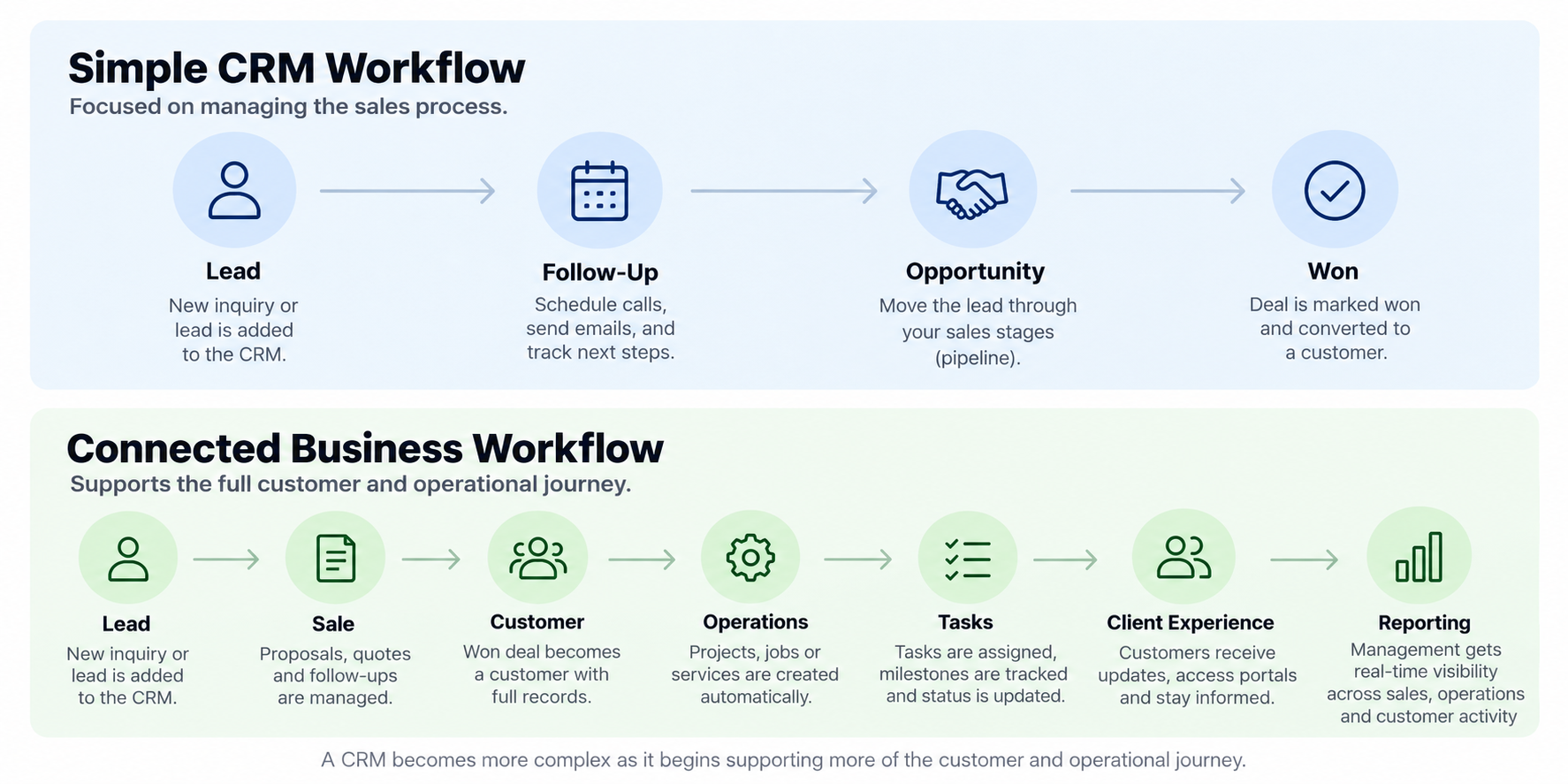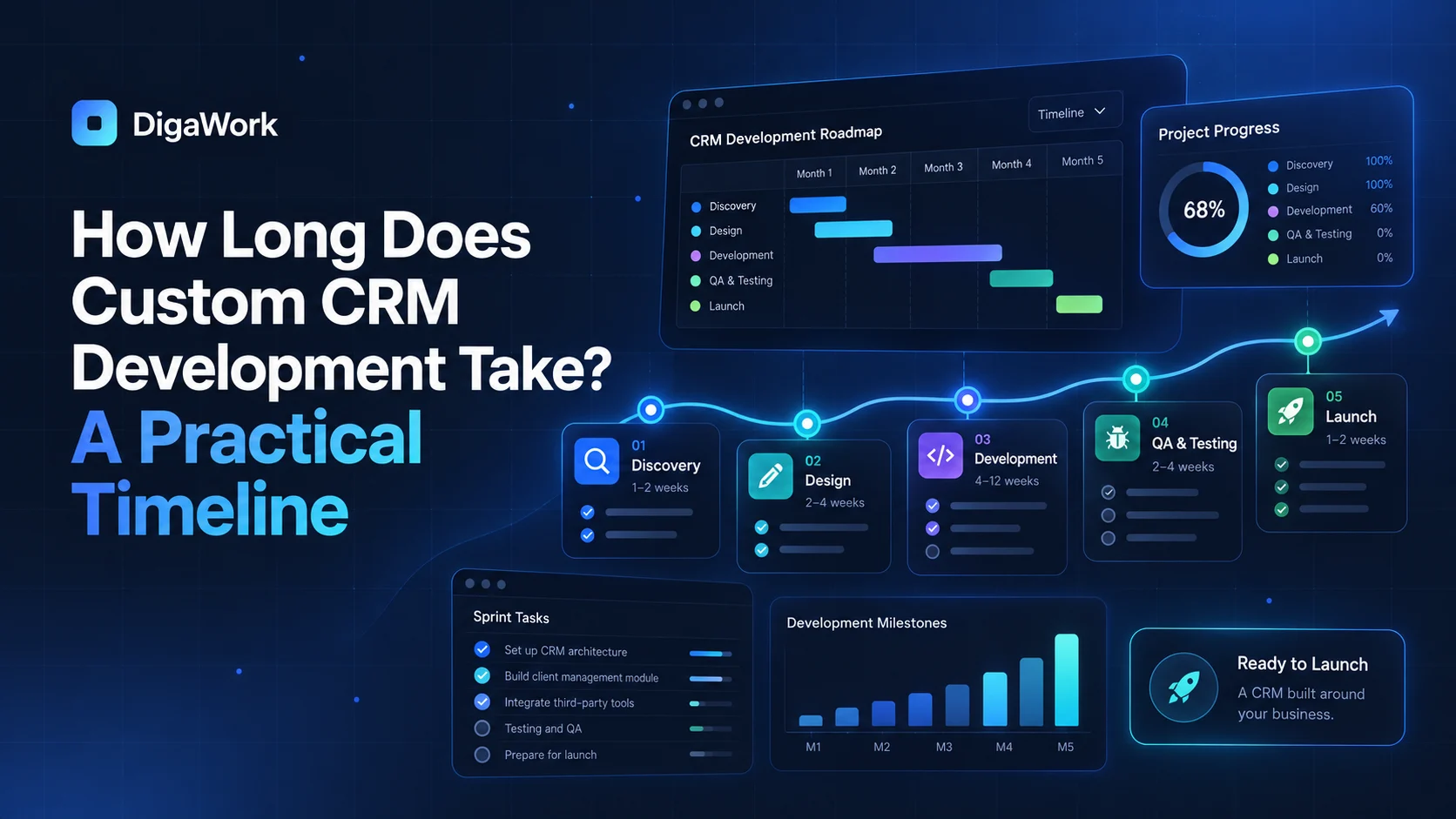
There is no useful one-size-fits-all answer to how long custom CRM development takes. A focused pipeline and contact system is a different project from a connected CRM with data migration, role-based workspaces, scheduling, automation, client access, and several integrations.
The better way to estimate a timeline is to understand the phases and the scope decisions that expand each one.
Phase 1: Discovery and workflow mapping
The project starts by documenting how leads arrive, how opportunities move, what information matters, who owns each stage, what happens after the sale, and which current tools should be kept or connected. Rushing this phase usually creates expensive changes later.
Phase 2: System and data design
This phase defines the records, relationships, permissions, statuses, and core user experience. Decisions about the data model and role structure are harder to reverse than visual styling, so they deserve deliberate review.
Phase 3: Core build
The first usable version is built around the highest-priority workflows. A focused system can move relatively quickly, while multiple workspaces, complex permissions, and custom interfaces increase the amount of build and review time.
Phase 4: Integrations and migration
Integrations and historical data are common timeline variables because they depend on systems outside the new CRM. API availability, authentication, data cleanliness, field mapping, and vendor limitations can all affect the schedule.
Phase 5: Testing and refinement
The team should test realistic scenarios rather than only checking whether buttons work. Can sales create an opportunity? Does a won deal create the right downstream work? Can managers see the right information? Do automations behave correctly when data is incomplete?
Phase 6: Launch and adoption
A CRM is not finished simply because it is deployed. Teams need clear ownership, practical training, and a short list of post-launch adjustments based on real usage.
| Project shape | Typical complexity | Timeline pressure |
|---|---|---|
| Focused CRM | Contacts, pipeline, tasks, basic reporting | Lower |
| CRM + automation | Multiple workflows and triggers | Moderate |
| CRM + operations | Sales plus delivery or job workflows | Higher |
| Connected business system | Multiple workspaces, migration, integrations, permissions | Highest |
What usually makes a CRM project take longer?
The biggest schedule drivers are unclear requirements, changing scope, messy data, multiple integration dependencies, complicated permissions, and slow feedback. None of those are reasons not to build. They are reasons to identify the dependencies before promising a date.
A realistic timeline starts with a realistic workflow map.
Review the discovery, mapping, build, testing, and launch approach.